RevTrack Alternative: A Side-by-Side Comparison for YouTube Creators
Looking for a RevTrack alternative? This in-depth comparison covers features, pricing, setup, and affiliate tracking support to help YouTube creators choose the right revenue analytics tool.
If you've landed here, you're probably evaluating RevTrack for your YouTube business — or you're already using it and wondering whether something better exists. This article gives you an honest, side-by-side look at both tools so you can make an informed decision.
Both RevTrack and contentgrove solve the same fundamental problem: YouTube's native analytics are built for YouTube's benefit, not yours. Views, watch time, and click-through rate are useful metrics for the algorithm — but they tell you almost nothing about which videos actually make you money. These tools exist to change that.
That said, the two platforms take meaningfully different approaches, and the differences matter depending on how you monetize your channel.
What Is RevTrack?
RevTrack is a YouTube analytics and revenue tracking tool built specifically for creators who want to know which videos are driving sales, email sign-ups, booked calls, or submitted applications.
RevTrack offers bulk link management — the ability to update tracking links across an entire YouTube channel's video descriptions at once — and uses UTM parameter links for tracking. It ties each link click to a downstream conversion, showing creators a dollar-per-view figure for individual videos. RevTrack also includes AI-powered features to help analyze performance and surface insights.
What RevTrack requires:
- The ability to add tracking code to your sales page and thank-you page
- A connected YouTube account with permission to edit video descriptions
- A product or offer you own directly (no affiliate tracking)
What RevTrack does not support:
- Affiliate sales tracking
- Creators who cannot modify their sales pages
Pricing:
- Essential Package: $99/month — limited to five offers
- Pro Package: $149/month — unlimited offers
RevTrack offers a 30-day refund policy and training videos to help new users through setup.
What Is contentgrove?
contentgrove is a creator analytics platform built around one core insight: most creators are optimizing for the wrong goal. YouTube trains you to chase views. contentgrove trains you to chase revenue.
The platform connects the full journey from video view to product checkout, replacing the fragmented experience of toggling between YouTube Studio, Google Analytics, and spreadsheets with a single, creator-focused dashboard.
Key features:
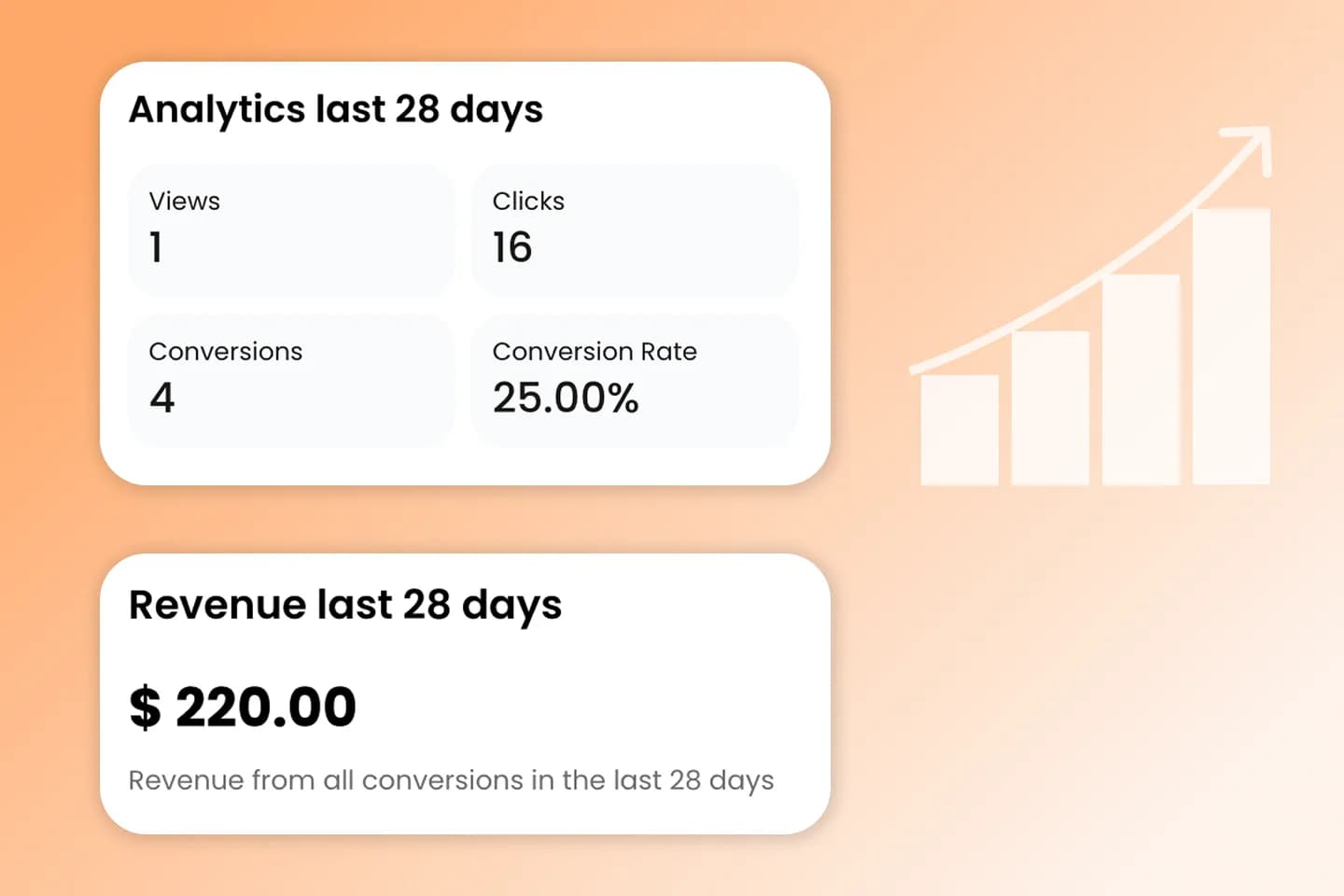
- Revenue-first dashboard — see clicks, conversions, and revenue side-by-side with views
- Full-funnel tracking — follow the journey from video view to checkout, with every link tracked individually
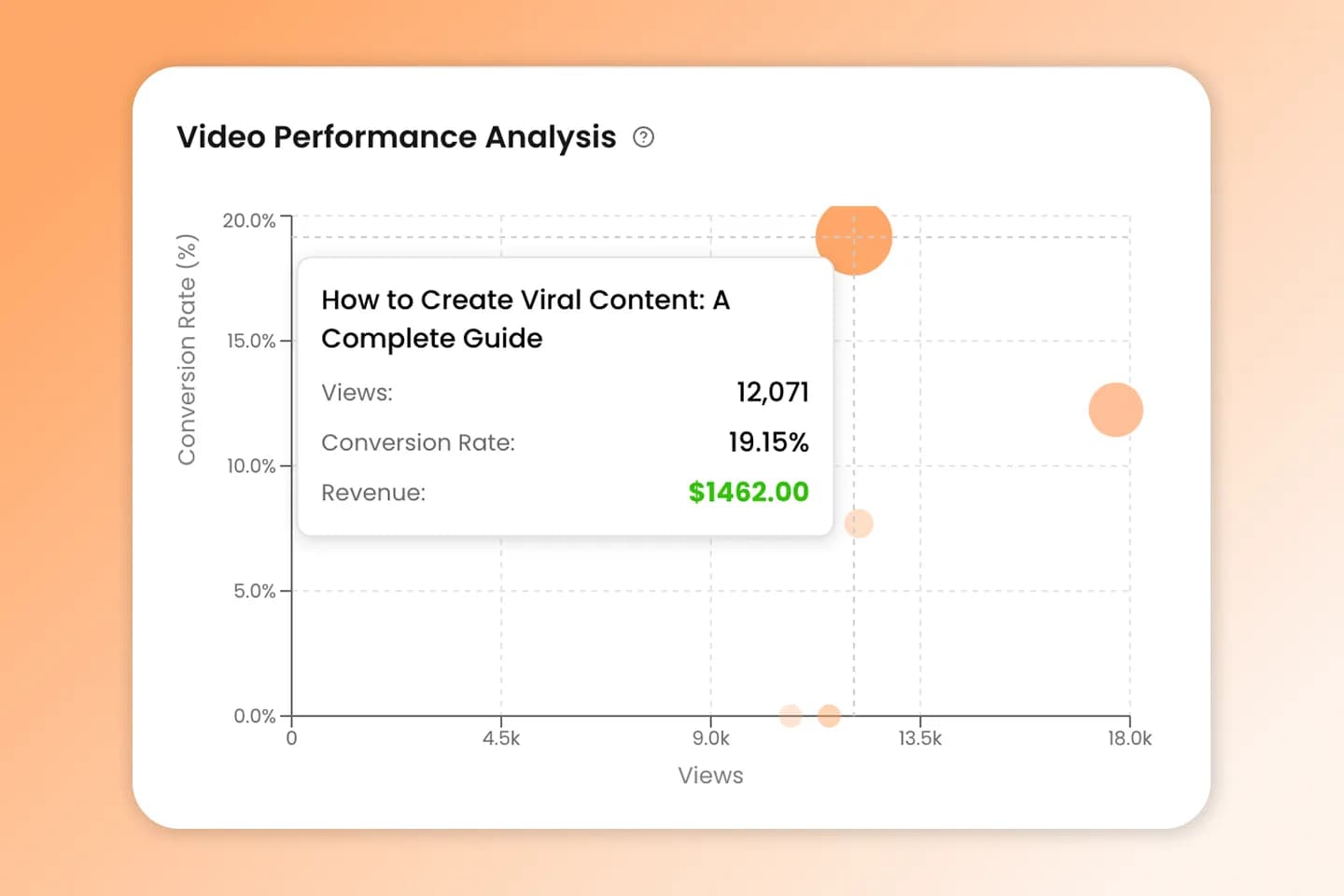
- Video performance sorting — rank videos by revenue, conversion rate, or click-through rate
- Simple setup — drop a lightweight script once, takes about five minutes
- Google Tag Manager support — enables tracking on platforms like Kit and others that don't allow direct script injection
- Unlimited offers and funnels — track multiple products within a single account
- Real-time analytics — data flows immediately; meaningful patterns typically emerge within a week
- Channel Quick Scan — a free tool on the homepage that analyzes any channel's last 10 videos and estimates revenue patterns, no account required
Pricing:
- $29/month (billed monthly)
- $24/month (billed annually — saves ~$60/year)
- 14-day free trial, no credit card required
RevTrack vs. contentgrove: Side-by-Side Comparison
| Feature | RevTrack | contentgrove |
|---|---|---|
| Revenue tracking | ✅ | ✅ |
| Full-funnel view (click → conversion) | ✅ | ✅ |
| Affiliate link tracking | ❌ Not supported | ✅ Supported |
| Bulk link editing | ✅ | ✅ |
| AI features | ✅ | Coming soon |
| Google Tag Manager support | — | ✅ |
| Works without modifying sales page | ❌ Modification required | ✅ |
| Setup time | Requires sales page edits | ~5 minutes |
| Risk-free period | 30-day refund policy | 14-day free trial (no credit card) |
| Pricing | $99–$149/month | $29/month or $24/month (annual) |
| Free diagnostic tool | ❌ | ✅ Channel Quick Scan |
| Unlimited offers/funnels | Pro only | ✅ |
Key Differences to Know Before You Choose
1. Affiliate Tracking
This is the biggest functional difference between the two tools. RevTrack explicitly does not support affiliate sales. If your channel monetizes through affiliate links — promoting someone else's product and earning a commission — RevTrack is not an option for you.
contentgrove supports affiliate tracking, making it a better fit for creators who run mixed monetization models (a combination of their own products and affiliate promotions).
2. Sales Page Access Requirements
RevTrack requires you to add tracking code to your sales page and thank-you page. If you're selling on a platform where you don't control the page code — certain hosted course platforms, for example — RevTrack may not work for you. RevTrack's own terms acknowledge this, offering a 30-day refund specifically for cases where a creator's website provider doesn't support the required functionality.
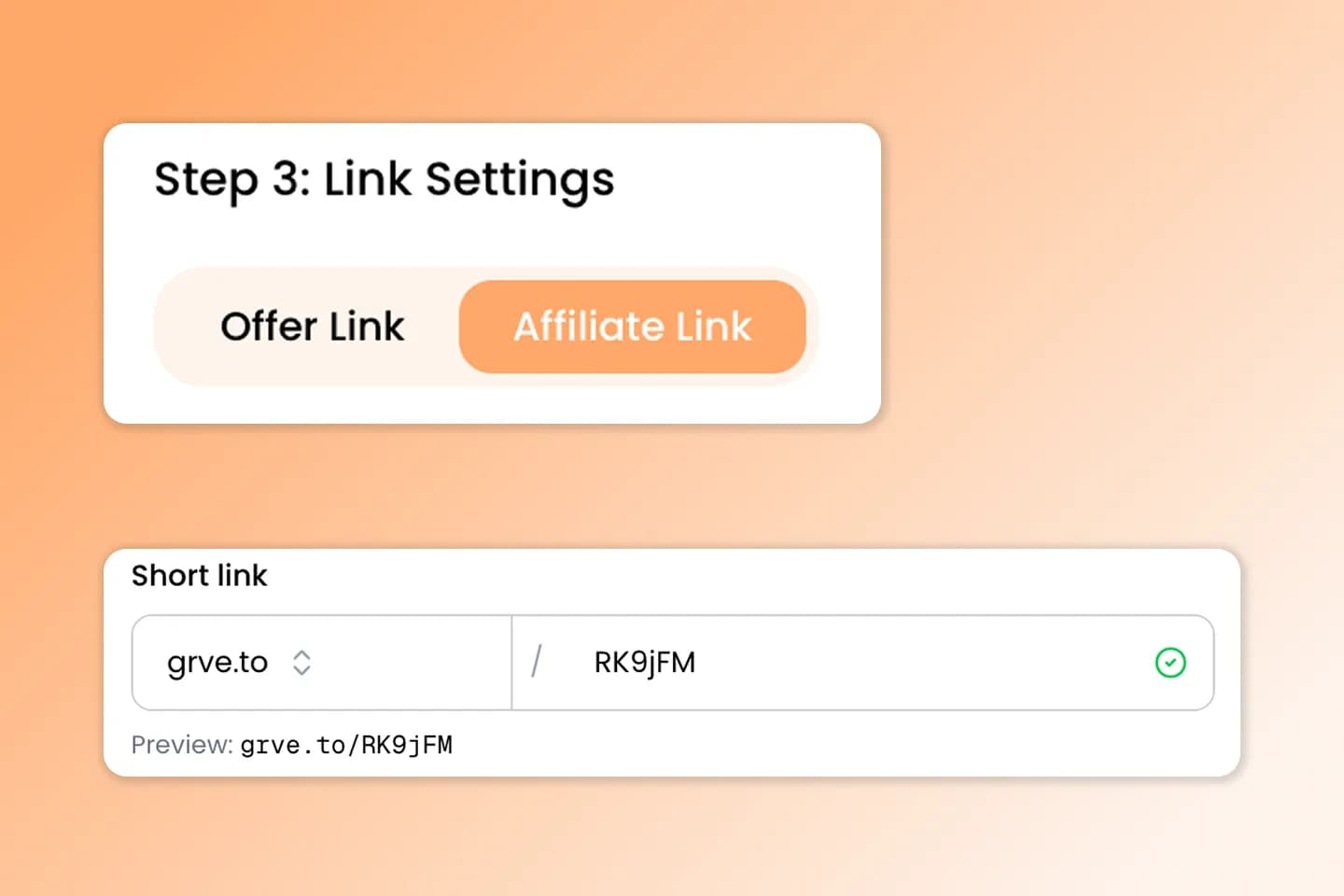
contentgrove's short links let you track clicks to any page without adding a script. If you want to track conversions on your sales pages, you add the lightweight script there. Tracking works via custom HTML, Google Tag Manager, or on platforms like Kit that don't allow direct script injection.
3. Setup Experience
Both tools support bulk link editing and require YouTube account integration with editing permissions. Where they differ is in usability. RevTrack has a steeper learning curve, particularly for new users. contentgrove is built with simplicity in mind: a clean UI, straightforward onboarding, and a setup flow that gets you up and running in minutes.
4. Pricing
RevTrack's pricing ranges from $99/month (Essential Package, capped at five offers) to $149/month (Pro Package, unlimited offers).
contentgrove is priced at: $29/month or $24/month (billed annually). There are no limits — offers, tracking, and funnels are all unlimited. There's a 14-day free trial with no credit card required, so you can test the product before committing.
5. AI Features
RevTrack includes AI-powered features to help you analyze performance and surface insights. contentgrove doesn't offer these yet, but AI capabilities are on the roadmap — the team is actively building features that will bring similar intelligence to the platform, with a focus on keeping the experience simple and creator-focused.
6. Link Type (Short Links vs. UTM Parameters)
contentgrove uses custom short links that you can host on your own domain. That gives you more flexibility and better tracking accuracy, with clean URLs that are easy to share. RevTrack relies on UTM parameter links, which tend to be longer and less efficient — the extra parameters can be stripped by some platforms or make links harder to manage.
Who Should Use RevTrack?
RevTrack is a good fit if:
- You sell your own digital products (courses, coaching, memberships) directly through a sales page you control
- You have a large catalog of videos that need retroactive tracking link updates
- You're not relying on affiliate marketing for meaningful revenue
Who Should Use contentgrove?
contentgrove is likely the better choice if:
- You monetize through affiliate links, your own products, or a mix of both
- You want to get started quickly without modifying your sales infrastructure
- You use third-party platforms like Kit or similar tools that require GTM for tracking
- You want transparent pricing and a true free trial before committing
- You're just starting out and want to understand your revenue baseline before you have a polished sales funnel
- You've found YouTube Studio and Google Analytics frustrating and want one clean dashboard
The Bigger Picture: Why Revenue Tracking Matters
Most creators spend the majority of their time optimizing for what YouTube measures: views, session time, click-through rate. These metrics matter for discoverability, but they can actively mislead you when it comes to building a sustainable income.
A video with 500 views that converts 12% of viewers to a $97 product is generating roughly $5,820 in revenue. A video with 50,000 views and a 0.1% conversion rate to the same product generates roughly $4,850 — but it's 100 times the views. Optimizing for views would tell you to make more of the second type of video. Revenue tracking shows you the first is generating more money from a fraction of the audience — and is the one worth studying and scaling.
Revenue tracking tools like contentgrove and RevTrack exist to surface this kind of insight — something YouTube Studio simply cannot do. Choosing between them comes down to which tool fits your monetization model and technical setup.
Frequently Asked Questions
Is contentgrove a RevTrack alternative?
Yes. Both tools track which YouTube videos generate revenue and support bulk link editing. Key differences: contentgrove supports affiliate tracking and uses custom short links (including your own domain) for better flexibility and tracking accuracy, while RevTrack uses UTM parameter links and doesn't support affiliate sales. contentgrove also has a simpler setup and UI. If you're evaluating RevTrack, contentgrove is worth considering — especially if you use affiliate marketing or want to avoid modifying your sales pages.
Does RevTrack support affiliate tracking?
No. RevTrack explicitly states that it is not suitable for creators who want to track affiliate sales. If affiliate marketing is part of your monetization strategy, you'll need a different tool. contentgrove supports affiliate link tracking.
What's the difference between contentgrove's links and RevTrack's?
contentgrove uses custom short links that you can host on your own domain — cleaner URLs, more flexibility, and better tracking accuracy. RevTrack uses UTM parameter links, which tend to be longer and can be stripped by some platforms.
Does contentgrove have AI features?
Not yet. RevTrack includes AI-powered features today. contentgrove has AI capabilities on the roadmap and is actively building them, with a focus on keeping the experience simple and creator-focused.
How long does contentgrove take to set up?
contentgrove is designed to be up and running in minutes. Short links track clicks to any page without a script — just add your links to video descriptions. If you want to track conversions on sales pages, add the lightweight script there. Tracking also works via custom HTML or Google Tag Manager on platforms like Kit that don't allow direct script injection.
What does contentgrove cost?
contentgrove is $29/month billed monthly, or $24/month billed annually ($288/year). Offers, tracking, and funnels are all unlimited. A 14-day free trial is available with no credit card required.
Can I try contentgrove before paying?
Yes. contentgrove offers a 14-day free trial with no credit card required. The Channel Quick Scan on the homepage also lets you analyze any YouTube channel for free without signing up.
What happens if contentgrove doesn't work for me?
contentgrove offers a 30-day money-back guarantee. You can also cancel at any time.
Conclusion
RevTrack and contentgrove are both serious tools for YouTube creators who want to understand their revenue, not just their views. If you're selling a single product directly through a sales page you fully control and RevTrack's AI features matter to you, it deserves a serious look — as long as the $99–$149/month price fits your budget.
At $29/month (or $24/month billed annually), contentgrove costs significantly less than RevTrack's $99–$149/month plans, with unlimited offers and no feature caps. For creators just starting out, RevTrack can be too expensive to justify. contentgrove also offers flexible affiliate tracking, custom short links, a simpler setup, and a 14-day free trial with no credit card required.
The best way to know is to try it. contentgrove's free Channel Quick Scan gives you a preview of the revenue insights available before you even create an account.